Fastest Swim | League - Combat Training Simulator Game
About the Game
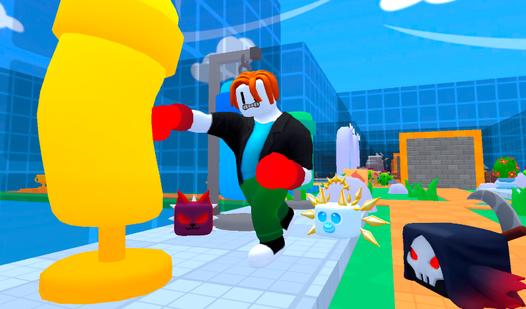
Racing at unrealistic speeds. Rivals who are not ready to give up their place just like that. Worlds that give you the opportunity to become even stronger. The game is waiting for you: • 😎 Rivals. • 🌍 Diverse worlds. • 😻 Beautiful pets! • 🎁 Gifts! • 📆 Daily rewards. • 🏆 Leaderboard! • 🎰 The Wheel of Fortune. • 💪 Muscles! • 😨 The final boss.
Game Mechanics
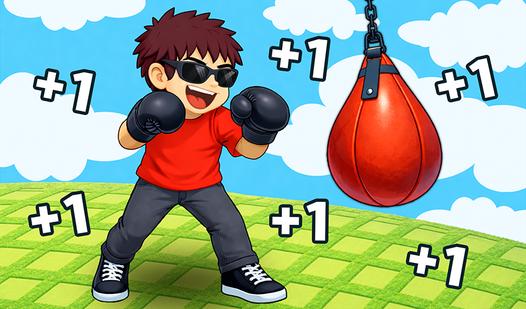
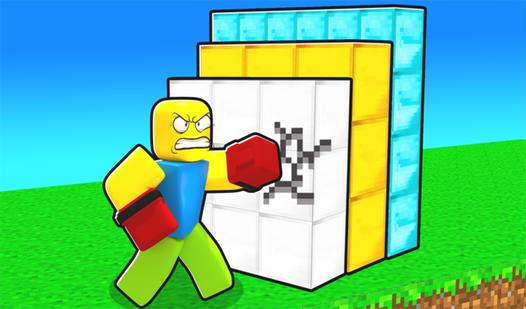
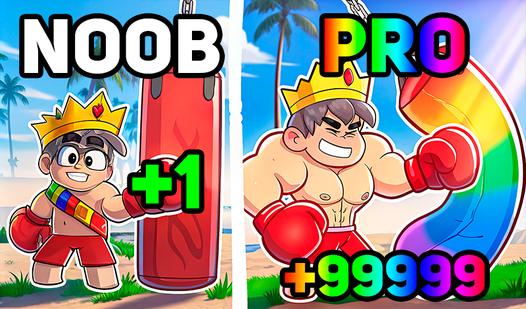
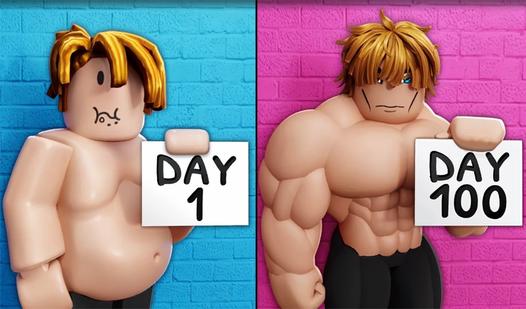
In a Combat Training Simulator, players embark on an endlessly addictive progression loop designed to transform their character from a weak beginner into an overpowered warrior. The core gameplay heavily revolves around repetitive clicking or tapping mechanics to continuously build physical strength, increase weapon proficiency, and accumulate vital experience points. As you train your stats by throwing punches or swinging blades, you must strategically invest your earned currency to purchase powerful equipment upgrades—such as heavier boxing gloves or sharper swords—and hatch specialized pets that provide massive damage multipliers. Once your power level reaches critical heights, the mechanics shift to intense combat, allowing you to brawl with tough NPC bosses or dominate rival players in competitive PvP arenas to unlock hidden, high-tier zones. Whether you are aggressively auto-training to max out your health pool or utilizing a prestige 'rebirth' system to reset your progress for permanent stat boosts, mastering this satisfying grind is the ultimate key to conquering the global leaderboards